This distro has been my "go to" for older, lower specification hardware. I currently run Lubuntu on a 12 year old laptop and it is stable and relatively quick. Updates/upgrades are issued regularly; usually in line with Ubuntu LTS releases.
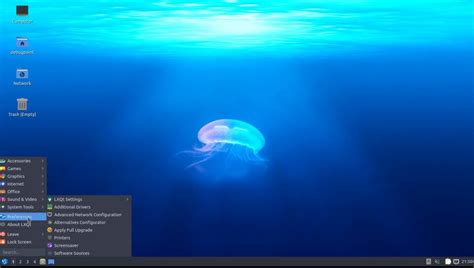 Lubuntu 22.04 desktop --- ### Installation The install process for Lubuntu is nearly identical to other Ubuntu-based distro installations. It consists of: 1. [**Selecting & retrieving the image**](https://manual.lubuntu.me/stable/1/1.1/retrieving_the_image.html) 2. **[Booting the image](https://manual.lubuntu.me/stable/1/1.2/booting_the_image.html)** 3. **[Installation](https://manual.lubuntu.me/stable/1/1.3/installation.html)**Clicking the steps above will take you to that installation step on the official Lubuntu site.
If you are already familiar with installing linux distributions, go here to select the appropriate Lubuntu distro for your hardware: [**Lubuntu Downloads**](https://lubuntu.me/downloads/)