# GoAccess
### GoAccess Web Server Statistics
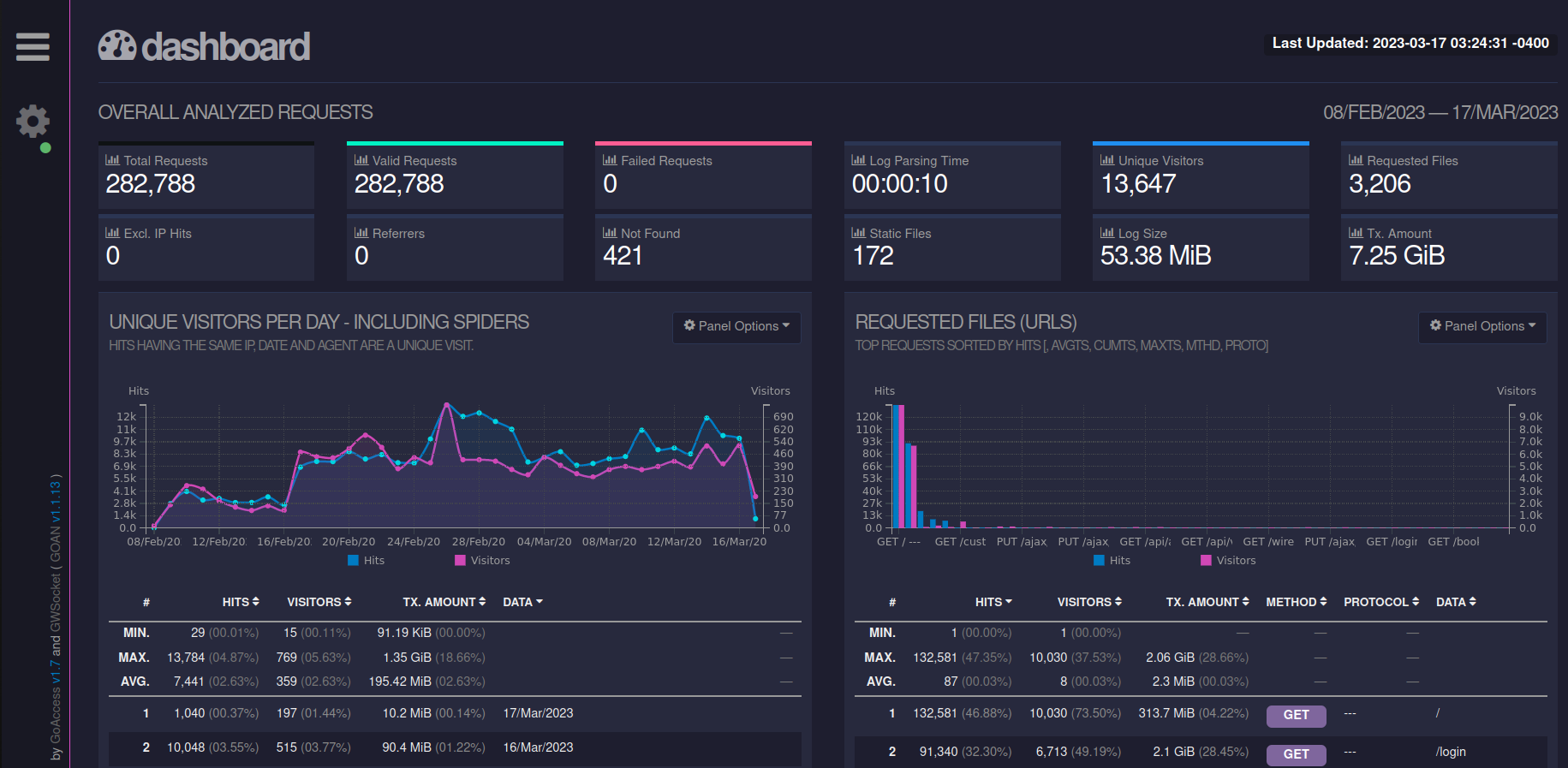
**GoAccess** is an open source **real-time** **web log analyzer** and interactive viewer that runs in a **terminal** in \*nix systems or through your **browser**.
It provides **fast** and valuable HTTP statistics for system administrators that require a visual server report on the fly.
I use GoAccess to monitor my self-hosted websites traversing my reverse proxy and Cloudflare.
---
#### Installation
GoAccess installation methods can be found by going to the **[official GoAccess website](https://goaccess.io/get-started)**
I use a Docker image specifically designed for GoAccess to pull logs from an instance of **[Nginx Proxy Manager](https://bookstack.timshome.net/books/home-server-applications/page/nginx-proxy-manager).** If you have that setup, then this is my recommended Docker Compose file setup.
```yaml
version: '3.3'
services:
goaccess:
image: 'xavierh/goaccess-for-nginxproxymanager:latest'
container_name: goaccess
restart: always
ports:
- '7880:7880'
environment:
- TZ=America/New_York
- SKIP_ARCHIVED_LOGS=False #optional
- DEBUG=False #optional
- BASIC_AUTH=False #optional
- BASIC_AUTH_USERNAME=user #optional
- BASIC_AUTH_PASSWORD=pass #optional
- EXCLUDE_IPS=127.0.0.1 #optional - comma delimited
- LOG_TYPE=NPM #optional - more information below
volumes:
- /path-to-your-nginxproxymanager/logs:/opt/log
- /path/to/host/custom:/opt/custom #optional, required if using log_type = CUSTOM
```
Be sure to replace "/path-to-your-nginxproxymanager/logs" with your actual path to your Nginx Proxy Manager logs. This docker-compose.yml also assumes port 7880 is available on your server. If not, change to an available port of your choosing.
Explanations of the "optional" portions of the docker compose file can be found by going to [**the Docker image author's Github repository**](https://github.com/xavier-hernandez/goaccess-for-nginxproxymanager).