# Content Management
Various software applications I use to manage or automate media server content
# Tautulli

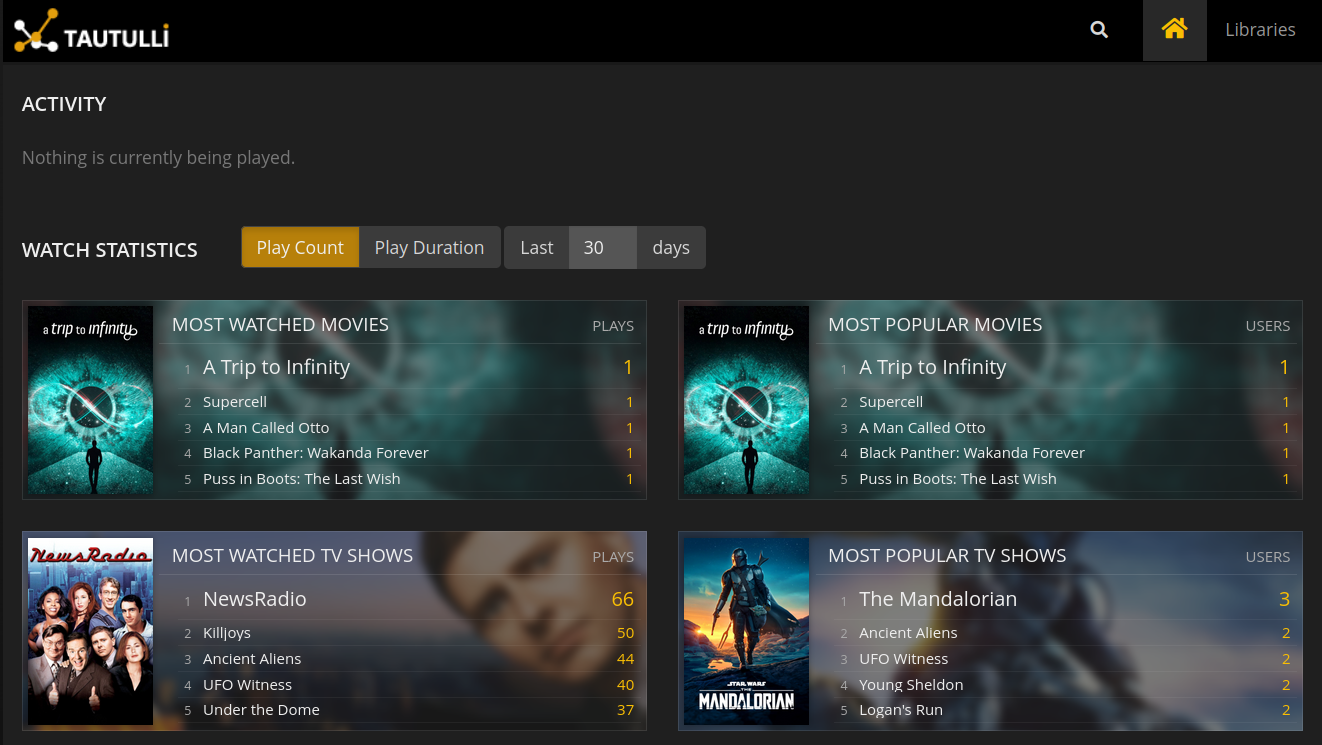
[**Tautulli** ](https://tautulli.com/)is a 3rd party application that you can run alongside your Plex Media Server to monitor activity and track various statistics. Most importantly, these statistics include what has been watched, who watched it, when and where they watched it, and how it was watched. All statistics are presented in a nice and clean interface with many tables and graphs.
---
# Sonarr
 
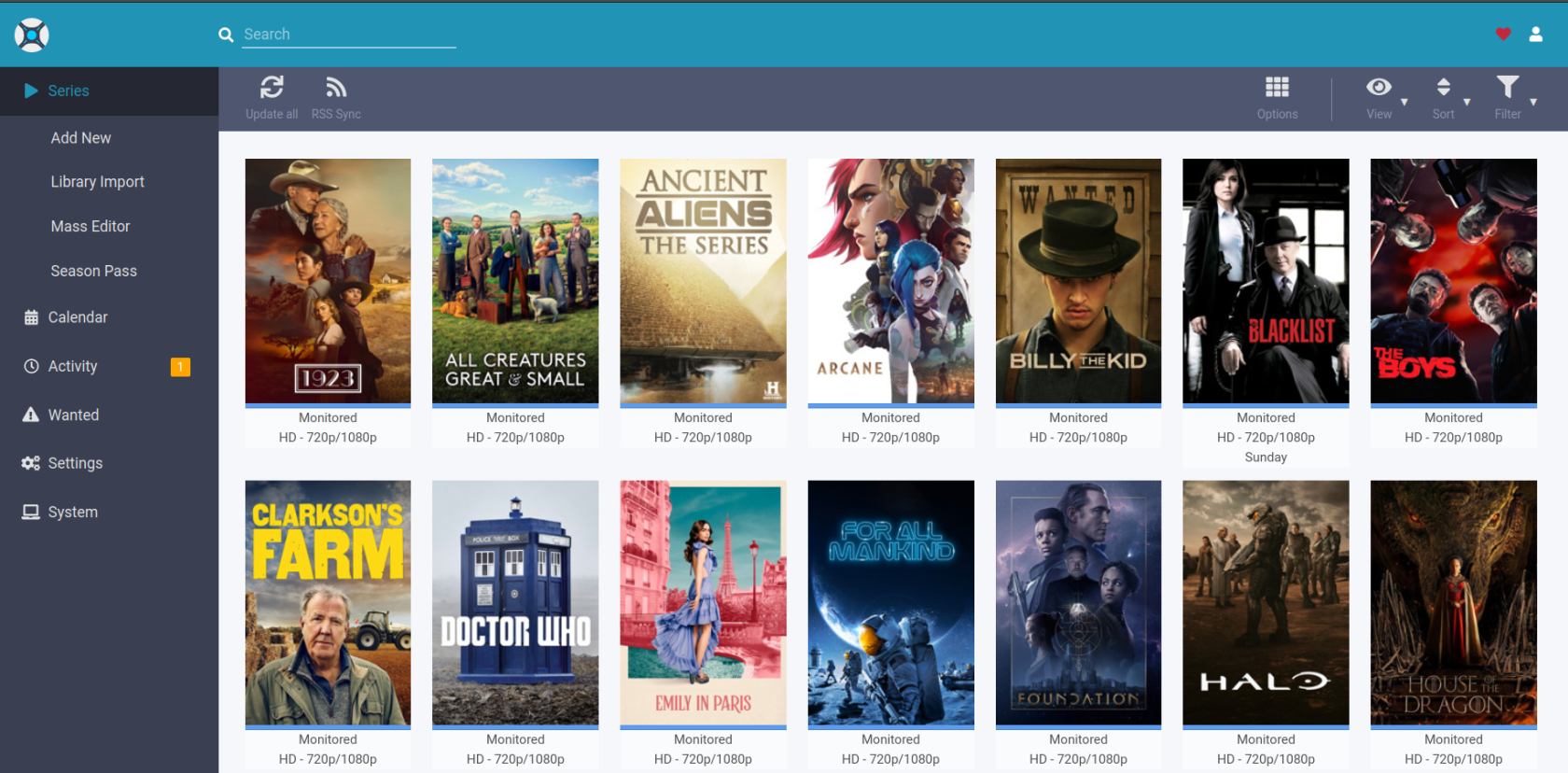
[**Sonarr**](https://sonarr.tv/) is a PVR for Usenet and BitTorrent users. It can monitor multiple RSS feeds for new episodes of your favorite shows and will grab, sort and rename them. It can also be configured to automatically upgrade the quality of files already downloaded when a better quality format becomes available.
---
#### Installation
The Sonarr team does not offer an official Docker image. However, a number of third parties have created and maintain their own. These instructions provide generic guidance that should apply to any Sonarr Docker image.
> I use a docker image from [**linuxserver.io**](https://fleet.linuxserver.io/image?name=linuxserver/sonarr) to install Sonarr.
If you prefer to install Sonarr via another method go to [**Sonarr's official downloads page**](https://sonarr.tv/#download).
#### Running Sonarr as a container
Basic examples for getting this image running as a container
##### Docker Compose
```yaml
---
version: "2"
services:
sonarr:
image: linuxserver/sonarr:3.0.10
container_name: sonarr
restart: unless-stopped
environment:
- TZ=Europe/London # Specify a timezone to use
- PUID=1000 # User ID to run as
- PGID=1000 # Group ID to run as
volumes:
- /host/path/to/data:/data # Location of all your media
- /host/path/to/config:/config # Contains all relevant configuration files.
ports:
- 8989:8989/tcp # Web UI
```
##### CLI
```python
docker create \
--name=sonarr \
-e TZ=Europe/London `# Specify a timezone to use` \
-e PUID=1000 `# User ID to run as` \
-e PGID=1000 `# Group ID to run as` \
-v /host/path/to/data:/data `# Location of all your media` \
-v /host/path/to/config:/config `# Contains all relevant configuration files.` \
-p 8989:8989/tcp `# Web UI` \
--restart unless-stopped \
linuxserver/sonarr:3.0.10
```
---
#### Avoid common pitfalls
##### Volumes and Paths
There are two common problems with Docker volumes: Paths that differ between the Sonarr and download client container and paths that prevent fast moves and hard links.
The first is a problem because the download client will report a download's path as `/torrents/My.Show.S01E01/`, but in the Sonarr container that might be at `/downloads/My.Show.S01E01/`. The second is a performance issue and causes problems for seeding torrents. Both problems can be solved with well planned, consistent paths.
Most Docker images suggest paths like `/tv` and `/downloads`. This causes slow moves and doesn't allow hard links because they are considered two different file systems *inside* the container. Some also recommend paths for the download client container that are different from the Sonarr container, like `/torrents`.
The best solution is to use a single, common volume *inside* the containers, such as `/data`. Your Series would be in `/data/tv`, torrents in `/data/downloads/torrents` and/or usenet downloads in `/data/downloads/usenet`.
If this advice is not followed, you may have to configure a Remote Path Mapping in the Sonarr web UI (Settings › Download Clients).
##### Ownership and Permissions
Permissions and ownership of files is one of the most common problems for Sonarr users, both inside and outside Docker. Most images have environment variables that can be used to override the default user, group and umask, you should decide this before setting up all of your containers. The recommendation is to use a common group for all related containers so that each container can use the shared group permissions to read and write files on the mounted volumes.
Keep in mind that Sonarr will need read and write to the download folders as well as the final folders.
*For a more detailed explanation of these issues, see [The Best Docker Setup and Docker Guide](https://wiki.servarr.com/docker-guide) wiki article.*
#### Install Sonarr
To install and use these Docker images, you'll need to keep the above in mind while following their documentation. There are many ways to manage Docker images and containers too, so installation and maintenance of them will depend on the route you choose.
- ##### [ghcr.io/hotio/sonarr:release](https://ghcr.io/hotio/sonarr:latest)
hotio doesn't specify any default volumes, besides `/config`. Images are automatically updated multiple times per hour if upstream changes are found. Read the [instructions](https://hotio.dev/containers/sonarr) on how to install the image.
- ##### [ghcr.io/linuxserver/sonarr:latest](https://ghcr.io/linuxserver/sonarr:latest)
**[linuxserver.io](https://www.linuxserver.io)** is one of the most prolific and popular Docker image maintainers. They also maintain images for most of the popular download clients as well. LinuxServer specifies a couple of optional default volumes such as `/tv` and `/downloads`. The default volumes are not optimal nor recommended. Our recommendation is to use a single volume for the data, as mentioned above.
# Radarr

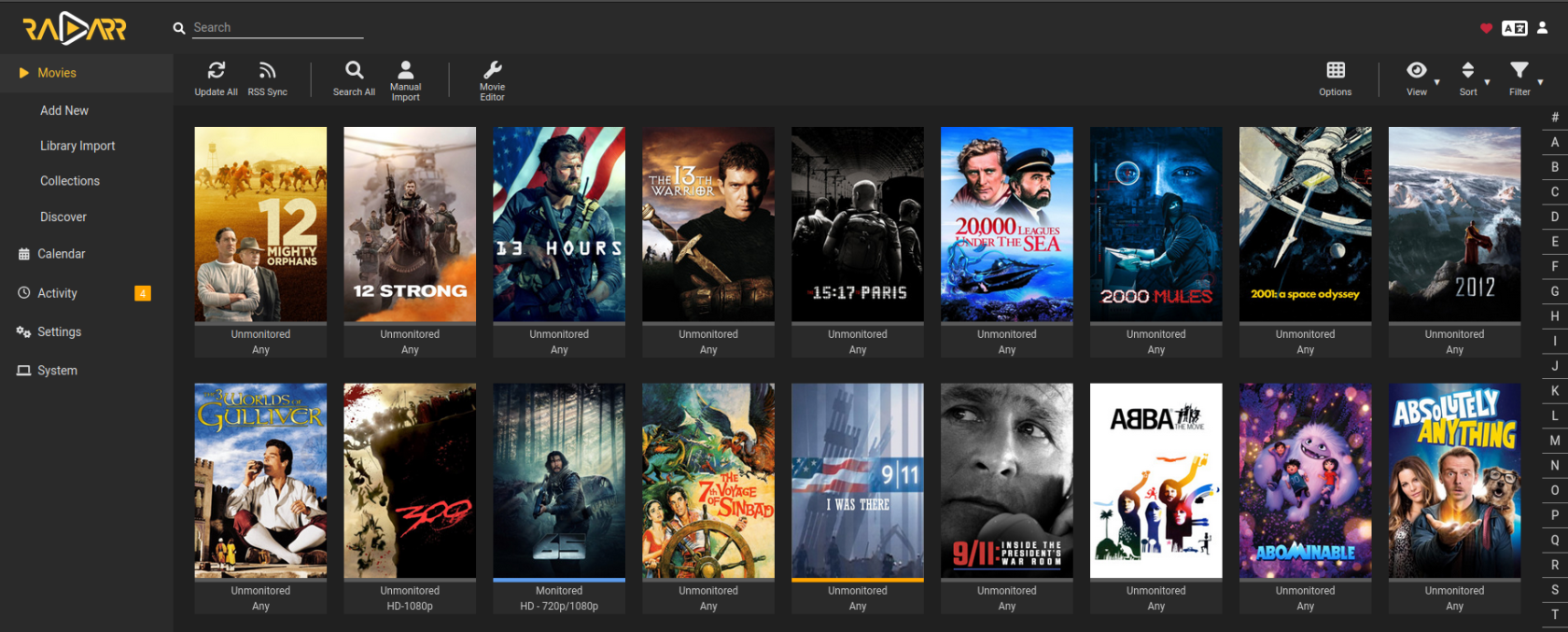
[**Radarr**](https://radarr.video/#home) is a movie collection manager for Usenet and BitTorrent users. It can monitor multiple RSS feeds for new movies and will interface with clients and indexers to grab, sort, and rename them. It can also be configured to automatically upgrade the quality of existing files in the library when a better quality format becomes available. Note that only one type of a given movie is supported. If you want both an 4k version and 1080p version of a given movie you will need multiple instances.
---
#### Installation
The Radarr team does not offer an official Docker image. However, a number of third parties have created and maintain their own. These instructions provide generic guidance that should apply to any Radarr Docker image.
> I use a docker image from [**linuxserver.io**](https://fleet.linuxserver.io/image?name=linuxserver/radarr) to install Radarr.
If you prefer to install Radarr via another method go to [Radarr's official downloads page](https://radarr.video/#download).
#### Running Radarr as a container
Basic examples for getting this image running as a container
##### Docker Compose
```yaml
---
version: "2"
services:
radarr:
image: linuxserver/radarr:4.3.2
container_name: radarr
restart: unless-stopped
environment:
- UMASK_SET=022 # control permissions of files and directories created by Radarr
- TZ=Europe/London # Specify a timezone to use EG Europe/London, this is required for Radarr
- PUID=1000 # for UserID
- PGID=1000 # for GroupID
volumes:
- /host/path/to/movies:/movies # Location of Movie library on disk (See note in Application setup)
- /host/path/to/downloads:/downloads # Location of download managers output directory (See note in Application setup)
- /host/path/to/config:/config # Database and Radarr configs
ports:
- 7878:7878/tcp # The port for the Radarr webinterface
```
##### CLI
```python
docker create \
--name=radarr \
-e UMASK_SET=022 `# control permissions of files and directories created by Radarr` \
-e TZ=Europe/London `# Specify a timezone to use EG Europe/London, this is required for Radarr` \
-e PUID=1000 `# for UserID` \
-e PGID=1000 `# for GroupID` \
-v /host/path/to/movies:/movies `# Location of Movie library on disk (See note in Application setup)` \
-v /host/path/to/downloads:/downloads `# Location of download managers output directory (See note in Application setup)` \
-v /host/path/to/config:/config `# Database and Radarr configs` \
-p 7878:7878/tcp `# The port for the Radarr webinterface` \
--restart unless-stopped \
linuxserver/radarr:4.3.2
```
---
#### Avoid common pitfalls
##### Volumes and Paths
There are two common problems with Docker volumes: Paths that differ between the Radarr and download client container and paths that prevent fast moves and hard links.
The first is a problem because the download client will report a download's path as `/torrents/My.Movie.2018/`, but in the Radarr container that might be at `/downloads/My.Movie.2018/`. The second is a performance issue and causes problems for seeding torrents. Both problems can be solved with well planned, consistent paths.
Most Docker images suggest paths like `/movies` and `/downloads`. This causes slow moves and doesn't allow hard links because they are considered two different file systems *inside* the container. Some also recommend paths for the download client container that are different from the Radarr container, like `/torrents`.
The best solution is to use a single, common volume *inside* the containers, such as `/data`. Your Movies would be in `/data/Movies`, torrents in `/data/downloads/torrents` and/or usenet downloads in `/data/downloads/usenet`.
If this advice is not followed, you may have to configure a Remote Path Mapping in the Radarr web UI (Settings › Download Clients).
##### Ownership and Permissions
Permissions and ownership of files is one of the most common problems for Radarr users, both inside and outside Docker. Most images have environment variables that can be used to override the default user, group and umask, you should decide this before setting up all of your containers. The recommendation is to use a common group for all related containers so that each container can use the shared group permissions to read and write files on the mounted volumes.
Keep in mind that Radarr will need read and write to the download folders as well as the final folders.
#### Install Radarr
To install and use these Docker images, you'll need to keep the above in mind while following their documentation. There are many ways to manage Docker images and containers too, so installation and maintenance of them will depend on the route you choose.
- ##### [hotio/radarr:release](https://hotio.dev/containers/radarr/)
hotio doesn't specify any default volumes, besides `/config`. Images are automatically updated multiple times in an hour if upstream changes are found. Hotio also builds our Pull Requests which may be useful for testing. Read the [instructions](https://hotio.dev/containers/radarr) on how to install the image.
- ##### [lscr.io/linuxserver/radarr:latest](https://docs.linuxserver.io/images/docker-radarr)
[**linuxserver.io**](https://docs.linuxserver.io/images/docker-radarr) is one of the most prolific and popular Docker image maintainers. They also maintain images for most of the popular download clients as well. LinuxServer specifies a couple of optional default volumes such as `/movies` and `/downloads`. The default volumes are not optimal nor recommended. Our recommendation is to use a single volume for the data, as mentioned above.
# Prowlarr

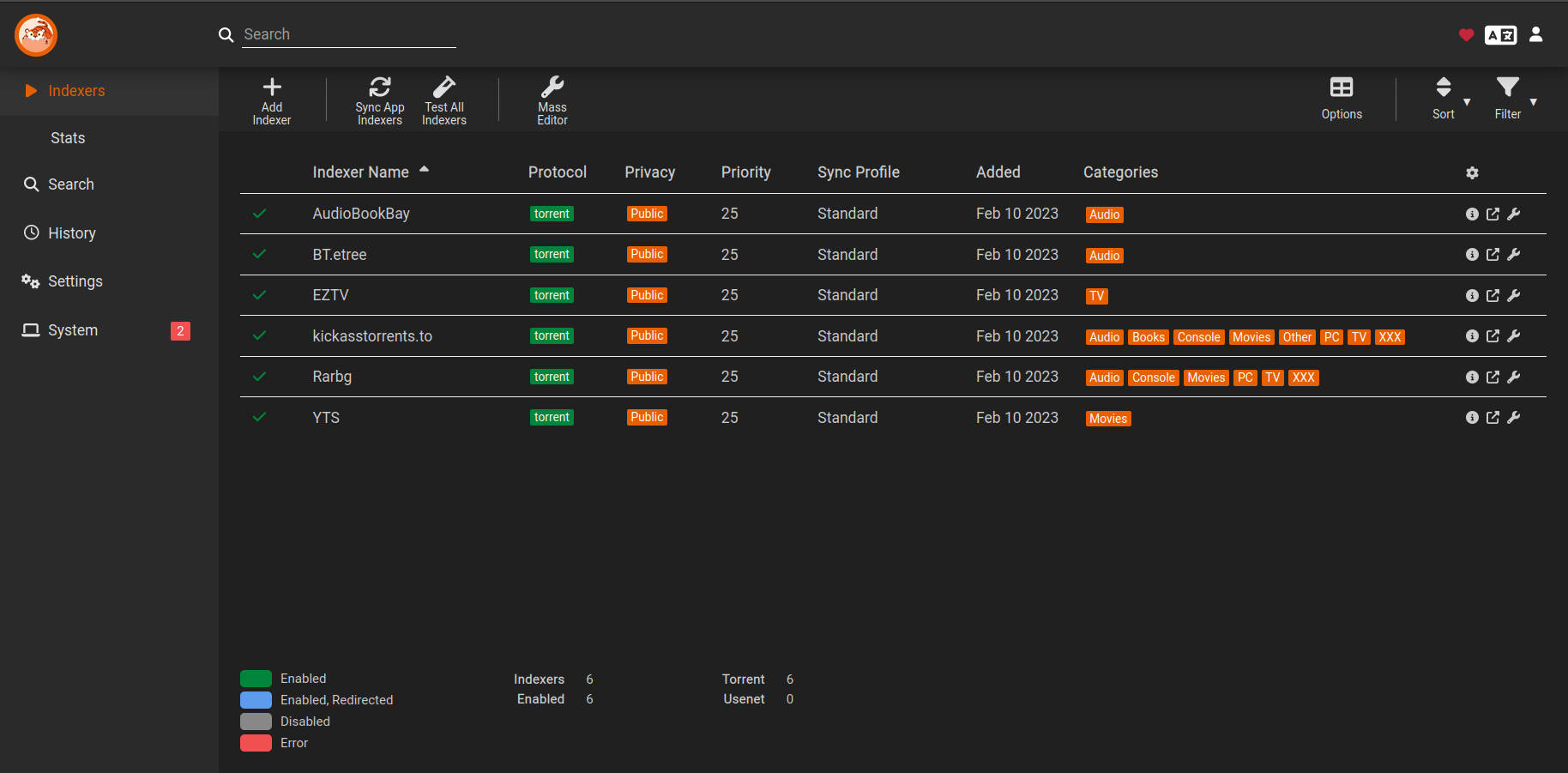
[**Prowlarr**](https://prowlarr.com/) is an indexer manager/proxy built on the popular \*arr .net/reactjs base stack to integrate with your various PVR apps. Prowlarr supports management of both Torrent Trackers and Usenet Indexers. It integrates seamlessly with Lidarr, Mylar3, Radarr, Readarr, and Sonarr offering complete management of your indexers with no per app Indexer setup required.
[](https://bookstack.timshome.net/uploads/images/gallery/2023-03/Mrmgs8bTk0ch01L5-screenshot-from-2023-03-30-03-40-28.png)
---
# Lidarr

### Lidarr
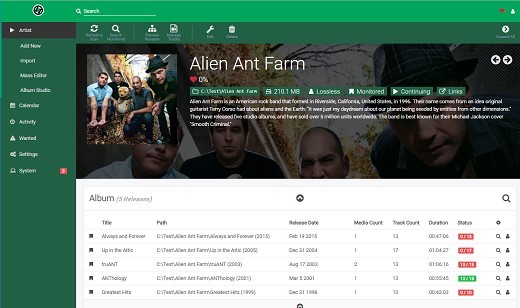
[**Lidarr**](https://lidarr.audio/) is a music collection manager for Usenet and BitTorrent users. It can monitor multiple RSS feeds for new albums from your favorite artists and will interface with clients and indexers to grab, sort, and rename them. It can also be configured to automatically upgrade the quality of existing files in the library when a better quality format becomes available.
[](https://bookstack.timshome.net/uploads/images/gallery/2023-03/qu8zLIokUz6JVCMu-lidarr-715109-full.jpeg)
---
#### Installation
The Lidarr team does not offer an official Docker image. However, a number of third parties have created and maintain their own. These instructions provide generic guidance that should apply to any Lidarr Docker image.
> I use a docker image from [**linuxserver.io**](https://fleet.linuxserver.io/image?name=linuxserver/radarr) to install Lidarr.
If you prefer to install Lidarr via another method go to **[Lidarr's official downloads page](https://lidarr.audio/#download)**.
#### Running Lidarr as a container
Basic examples for getting this image running as a container
##### Docker Compose
```yaml
---
version: "2"
services:
lidarr:
image: linuxserver/lidarr:1.0.2
container_name: lidarr
restart: no
```
##### CLI
```
docker create \
--name=lidarr \ --restart no \
linuxserver/lidarr:1.0.2
```
#### Avoid common pitfalls
##### Volumes and Paths
There are two common problems with Docker volumes: Paths that differ between the Lidarr and download client container and paths that prevent fast moves and hard links.
The first is a problem because the download client will report a download's path as `/torrents/My.Music.2018/`, but in the Lidarr container that might be at `/downloads/My.Music.2018/`. The second is a performance issue and causes problems for seeding torrents. Both problems can be solved with well planned, consistent paths.
Most Docker images suggest paths like `/musics` and `/downloads`. This causes slow moves and doesn't allow hard links because they are considered two different file systems *inside* the container. Some also recommend paths for the download client container that are different from the Lidarr container, like `/torrents`.
The best solution is to use a single, common volume *inside* the containers, such as `/data`. Your Musics would be in `/data/Musics`, torrents in `/data/downloads/torrents` and/or usenet downloads in `/data/downloads/usenet`.
If this advice is not followed, you may have to configure a Remote Path Mapping in the Lidarr web UI (Settings › Download Clients).
##### Ownership and Permissions
Permissions and ownership of files is one of the most common problems for Lidarr users, both inside and outside Docker. Most images have environment variables that can be used to override the default user, group and umask, you should decide this before setting up all of your containers. The recommendation is to use a common group for all related containers so that each container can use the shared group permissions to read and write files on the mounted volumes.
Keep in mind that Lidarr will need read and write to the download folders as well as the final folders.
##### Install Lidarr
To install and use these Docker images, you'll need to keep the above in mind while following their documentation. There are many ways to manage Docker images and containers too, so installation and maintenance of them will depend on the route you choose.
- ##### [hotio/lidarr:release](https://hotio.dev/containers/lidarr/)
hotio doesn't specify any default volumes, besides `/config`. Images are automatically updated multiple times in an hour if upstream changes are found. Hotio also builds our Pull Requests which may be useful for testing. Read the [instructions](https://hotio.dev/containers/lidarr) on how to install the image.
- ##### [lscr.io/linuxserver/lidarr:latest](https://docs.linuxserver.io/images/docker-lidarr)
**[linuxserver.io](https://docs.linuxserver.io/images/docker-lidarr)** is one of the most prolific and popular Docker image maintainers. They also maintain images for most of the popular download clients as well. LinuxServer specifies a couple of optional default volumes such as `/musics` and `/downloads`. The default volumes are not optimal nor recommended. Our recommendation is to use a single volume for the data, as mentioned above.
# Overseerr

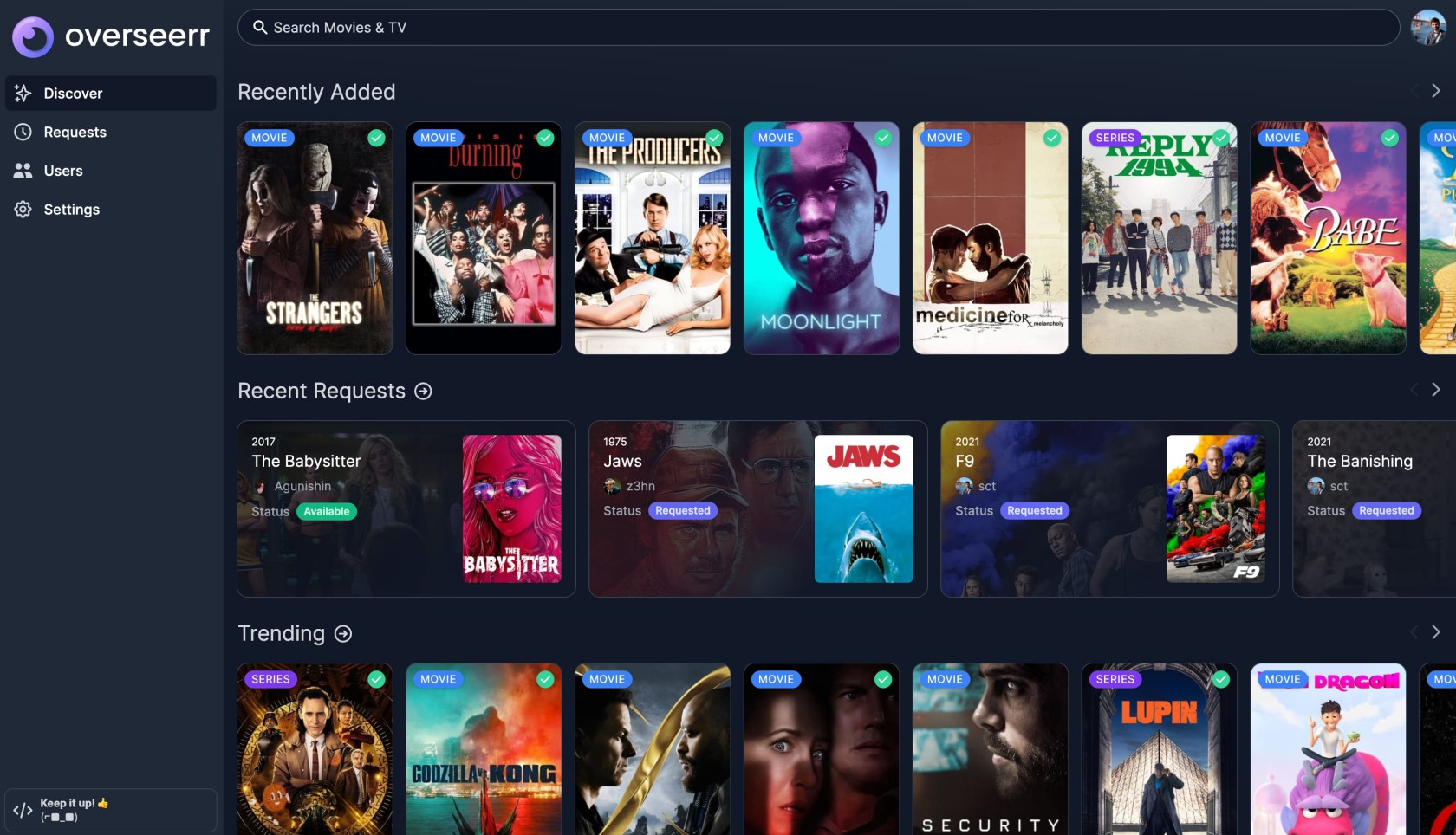
**Overseerr** is a free and open source software application for managing requests for your media library. It integrates with your existing services, such as **[Sonarr](https://bookstack.timshome.net/books/media-servers/page/sonarr)**, **[Radarr](https://bookstack.timshome.net/books/media-servers/page/radarr)**, and **[Plex.](https://bookstack.timshome.net/books/media-servers/page/plex)**
It provides your users with a way to make requests for your media server and automatically (or with your approval) sends the request to Sonarr or Radarr.
****
---
#### Installation
You can install Overseerr on various platforms. I recommend the docker container for installation. If you need another installation method they can be found here:
[**Overseer Installations**](https://docs.overseerr.dev/getting-started/installation)
##### Docker Compose
```yaml
---
version: '3'
services:
overseerr:
image: sctx/overseerr:latest
container_name: overseerr
environment:
- LOG_LEVEL=debug
- TZ=Asia/Tokyo
- PORT=5055 #optional
ports:
- 5055:5055
volumes:
- /path/to/appdata/config:/app/config
restart: unless-stopped
```
Be sure to replace **/path/to/appdata/config** in the examples with a valid host directory path. If this volume mount is not configured correctly, your Overseerr settings/data will not be persisted when the container is recreated (e.g., when updating the image or rebooting your machine).
The `TZ` environment variable value should also be set to the [**TZ database name**](https://en.wikipedia.org/wiki/List_of_tz_database_time_zones) of your timezone!
##### CLI
```python
docker run -d \
--name overseerr \
-e LOG_LEVEL=debug \
-e TZ=Asia/Tokyo \
-e PORT=5055 `#optional` \
-p 5055:5055 \
-v /path/to/appdata/config:/app/config \
--restart unless-stopped \
sctx/overseerr
```
To run the container as a specific user/group, you may optionally add `--user=[ user | user:group | uid | uid:gid | user:gid | uid:group ]` to the above command.
##### Updating
Stop and remove the existing container:
```shell
docker stop overseerr && docker rm overseerr
```
Pull the latest image:
```shell
docker pull sctx/overseerr
```
Finally, run the container with the same parameters originally used to create the container:
```shell
docker run -d ...
```
You may alternatively use a third-party updating mechanism, such as [**Watchtower**](https://bookstack.timshome.net/books/home-server-applications/page/watchtower) or **[Ouroboros](https://github.com/pyouroboros/ouroboros)** to keep Overseerr up-to-date automatically.
# Bazarr

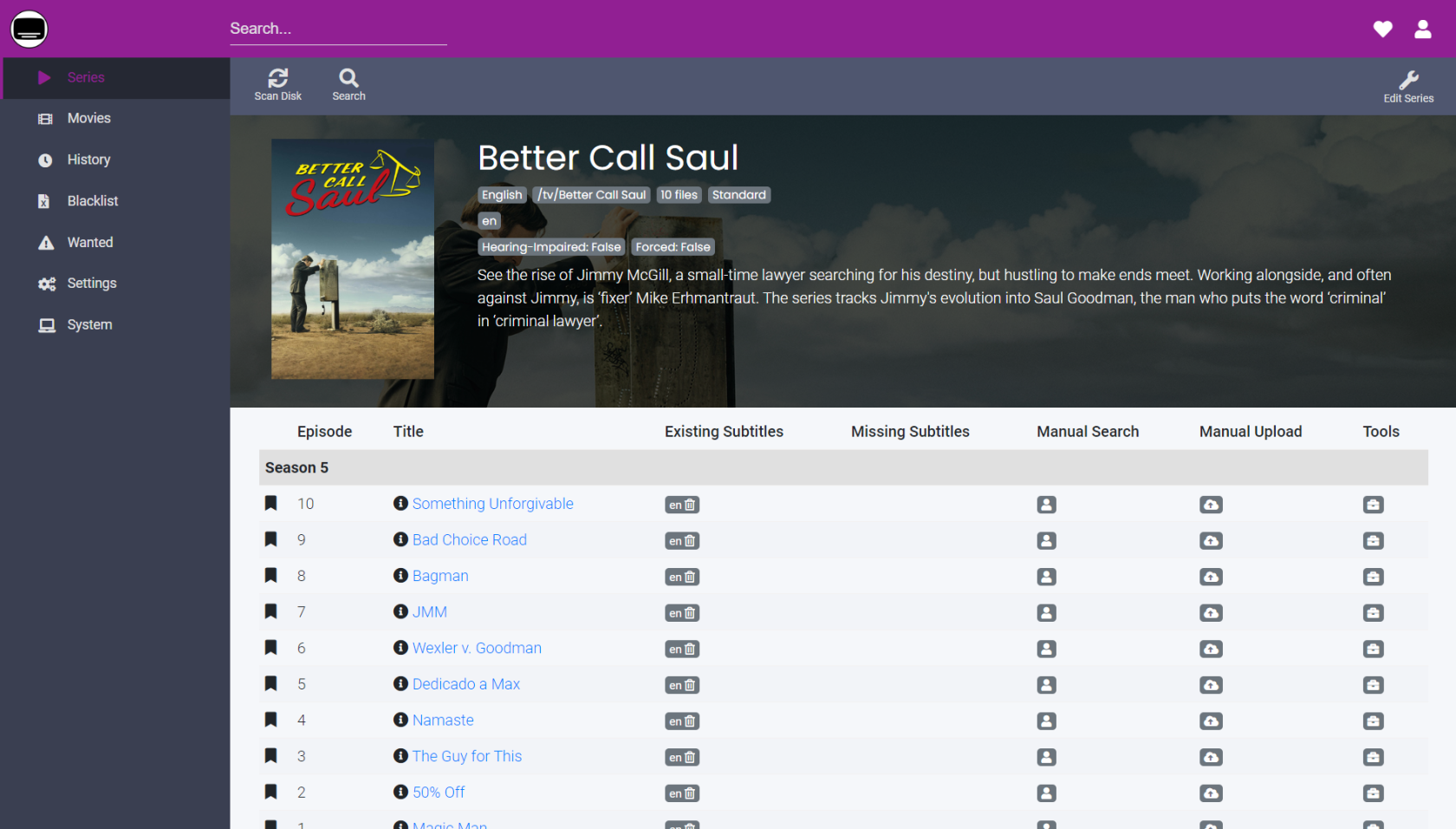
[**Bazarr**](https://www.bazarr.media/) is a companion application to Sonarr and Radarr. It manages and downloads subtitles based on your requirements. You define your preferences by TV show or movie and Bazarr takes care of everything for you.
Be aware that Bazarr doesn't scan disk to detect series and movies: It only takes care of the series and movies that are indexed in Sonarr and Radarr.
[](https://bookstack.timshome.net/uploads/images/gallery/2023-03/pYE09NZoRA8e4Flj-bazarr-screenshot-115769544.png)
---
#### Installation
There are several platforms on which you can install Bazarr. This install is focused on the docker container method of installation since that is my primary way to handle most server applications.
If you do not want to install via a container, the other installation methods for Bazarr can be found on the **[official Bazarr wiki](https://wiki.bazarr.media/)**.
##### Running Bazarr as a container
Basic examples for getting this image running as a container. The image I am using here is maintained by [**linuxserver.io**](https://fleet.linuxserver.io/image?name=linuxserver/bazarr)
**You CANNOT store your config directory over an NFS share as it is unsupported by SQLITE.** You will receive a locked database error.
##### Docker Compose
```yaml
---
version: "2"
services:
bazarr:
image: linuxserver/bazarr:1.2.0
container_name: bazarr
restart: unless-stopped
environment:
- UMASK_SET # Control permissions of files and directories created by Bazarr
- TZ # Specify a timezone to use EG Europe/London.
- PUID # ID of user to take ownership of application/files
- PGID # GID of user to take ownership of application/files
volumes:
- /host/path/to/tv:/tv # Location of your TV Shows
- /host/path/to/movies:/movies # Location of your movies
- /host/path/to/config:/config # Bazarr data
ports:
- 6767:6767/tcp # Allows HTTP access to the internal webserver.
```
##### CLI
```python
docker create \
--name=bazarr \
-e UMASK_SET `# Control permissions of files and directories created by Bazarr` \
-e TZ `# Specify a timezone to use EG Europe/London.` \
-e PUID `# ID of user to take ownership of application/files` \
-e PGID `# GID of user to take ownership of application/files` \
-v /host/path/to/tv:/tv `# Location of your TV Shows` \
-v /host/path/to/movies:/movies `# Location of your movies` \
-v /host/path/to/config:/config `# Bazarr data` \
-p 6767:6767/tcp `# Allows HTTP access to the internal webserver.` \
--restart unless-stopped \
linuxserver/bazarr:1.2.0
```