
Cockpit Server Manager
Introduction
Cockpit is a free and opensource web-based graphical server management tool that allows administrators and Linux users to easily manage and configure their Linux servers/PCs from a browser.
It targets new Linux users or those who want an easy way to manage their servers on a graphical interface without the hassle of working on the command-line.
Cockpit is easy to install and simple to use. At a glance, it allows you to perform the following tasks.
Known Issues & their Fixes
Issue
Cannot install any Cockpit add-ons or perform any updates from the UI after installing Cockpit
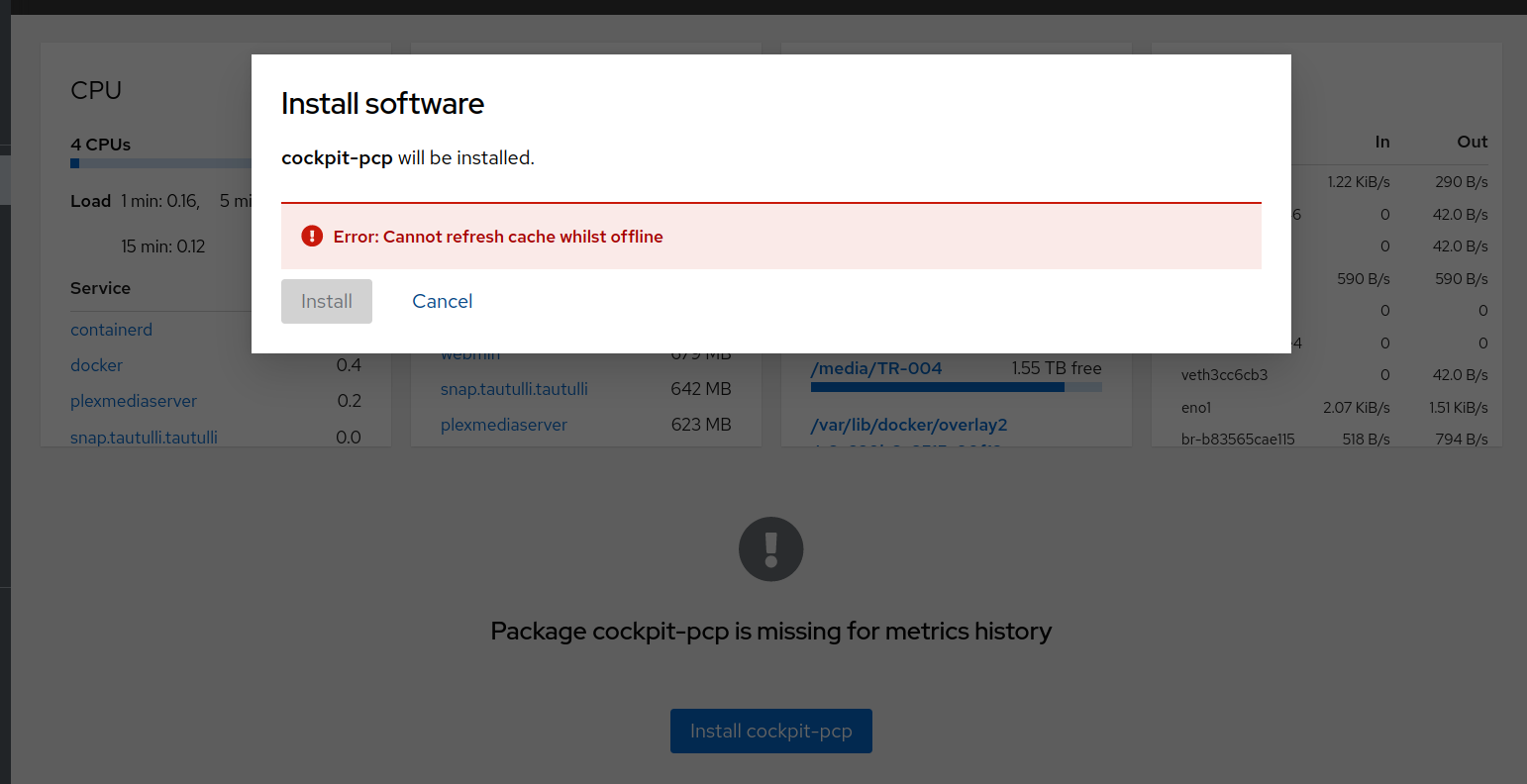
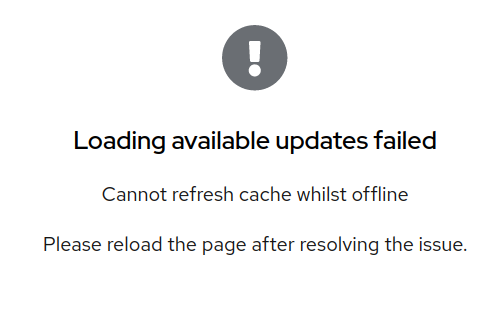
If you're here because you're on Cockpit running on Ubuntu 22.04.1 LTS and you can't get the Cockpit Updates functionality to work, here's the answer to get it working.
Step1: Create the file /etc/NetworkManager/conf.d/10-globally-managed-devices.conf Contents of 10-globally-managed-devices.conf ->
[keyfile]
unmanaged-devices=none
Step2: Create the fake interface by running the following command
nmcli con add type dummy con-name fake ifname fake0 ip4 1.2.3.4/24 gw4 1.2.3.1Step3: reboot, and cockpit updates work perfectly.